MSense tools (YAMS)
The 🍠 YAMS (MSense Tools) tab collects everything MSense-specific beyond the basic run. Some sub-tabs need a wristband initialised on the Session Dashboard (live); the rest work on USB / CSV files with no Bluetooth (offline).
Signal Quality has its own page. The rest:
🧭 IMU / Orientation — live
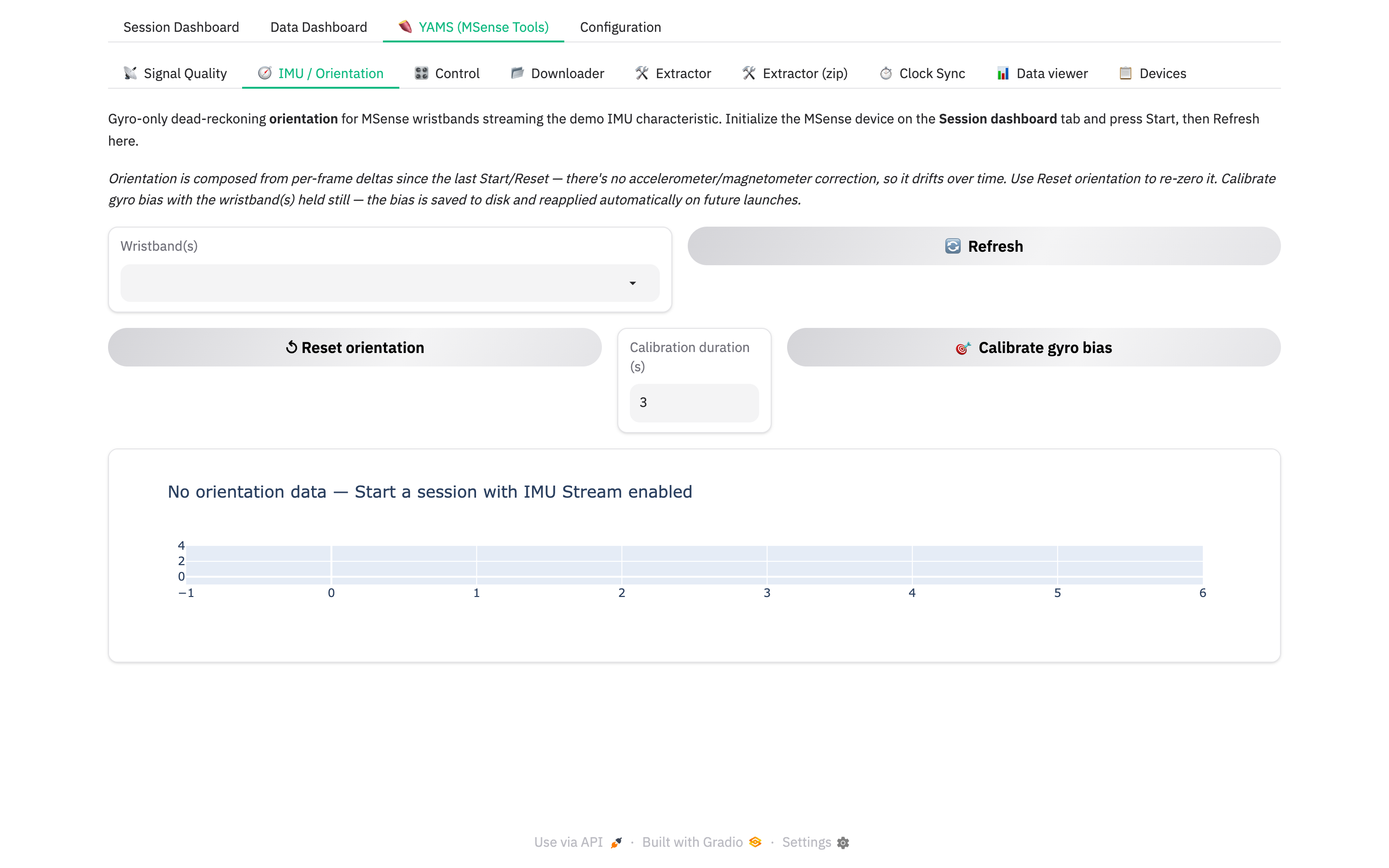
A gyro-only 3-D orientation cube for wristbands streaming the demo IMU characteristic. Start a session with IMU Stream ticked for that wristband, then 🔄 Refresh here.
- ↺ Reset orientation — re-zero the cube.
- 🎯 Calibrate gyro bias — hold the wristband still for N seconds; the bias is saved and reapplied on future launches.
Note
Orientation is dead-reckoned from the gyro alone — it drifts over minutes. There is no accelerometer / magnetometer correction.
🎛️ Control — live
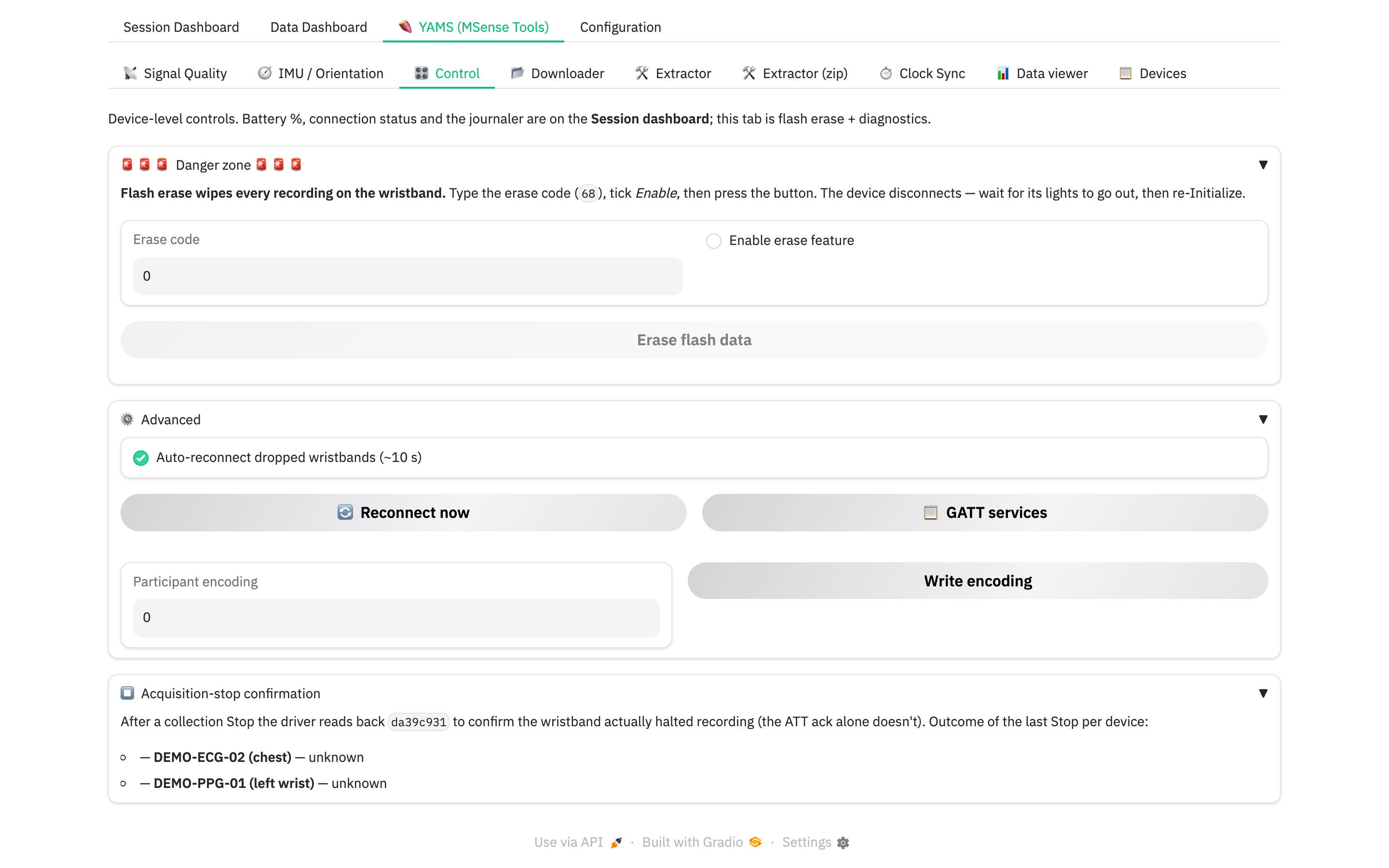
Device-level controls that aren't on the dashboard.
- 🚨 Danger zone — flash erase. Wipes every recording on the wristband.
Type the erase code
68, tick Enable erase feature, press Erase flash data. The device disconnects — wait for its lights to go out, then re-Initialize. - ⚙️ Advanced — toggle auto-reconnect (~10 s), force 🔄 Reconnect now, dump the 📋 GATT services, or write the participant-encoding characteristic by hand.
- ⏹️ Acquisition-stop confirmation — the outcome of the last Stop per
wristband:
confirmed✅ /unconfirmed⚠️ /unverifiable❓ /unknown. See Abnormal handling.
📂 Downloader — offline
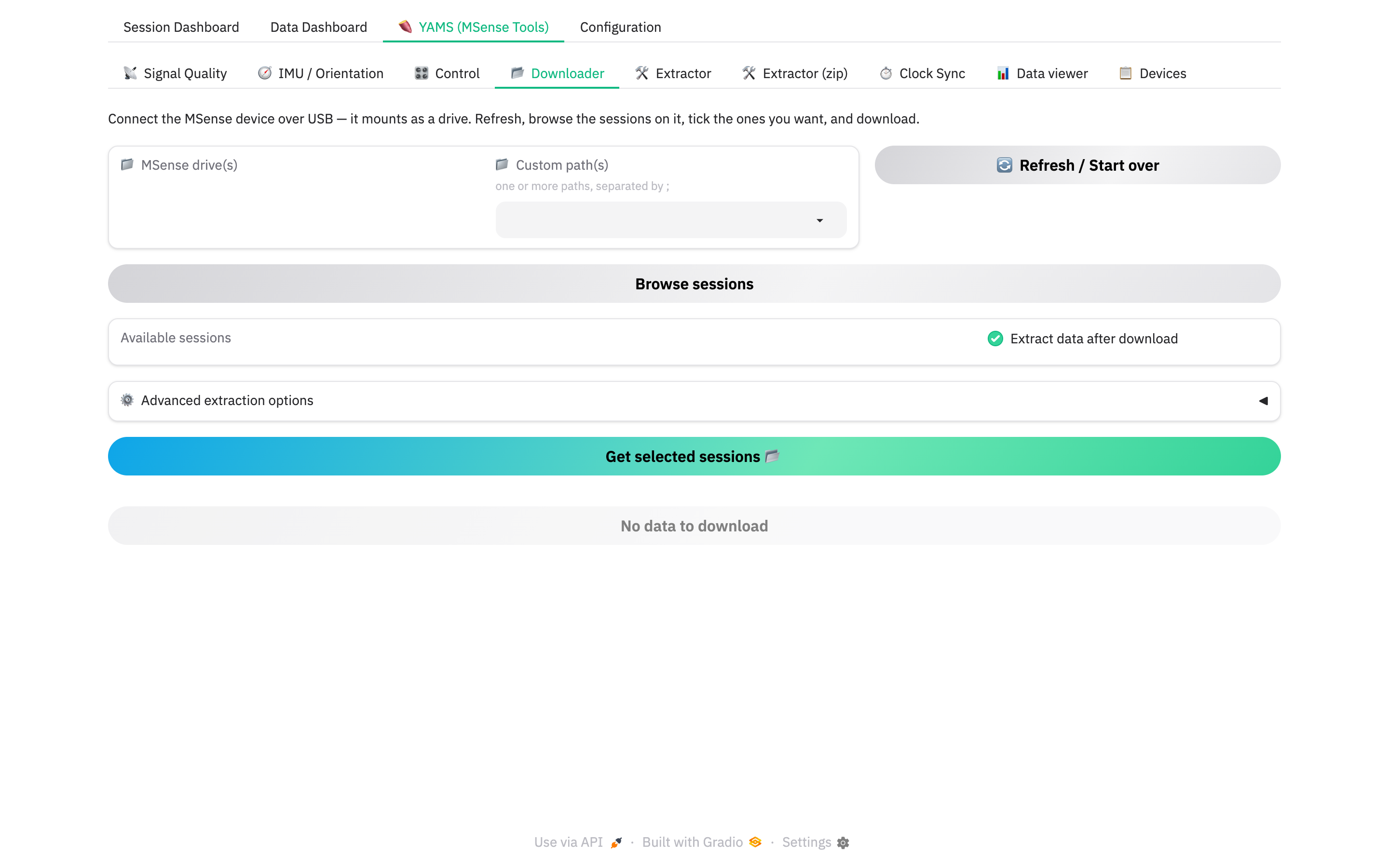
Pull recorded .bin files off a wristband mounted over USB.
- Connect the wristband over USB — it mounts as a drive.
- Tick it under 📁 MSense drive(s) (or add a Custom path), then 🔄 Refresh / Start over.
- Browse sessions → tick the ones you want under Available sessions (labelled by subject/session and date).
- Leave Extract data after download on to also get CSVs (it reveals the ⚙️ Advanced extraction options).
- Get selected sessions 📂.
Progress shows as a bar, a per-drive Transfer status table, and an Activity log. When it finishes, a 🎉 Download button hands you the zip.
🛠️ Extractor / Extractor (zip) — offline
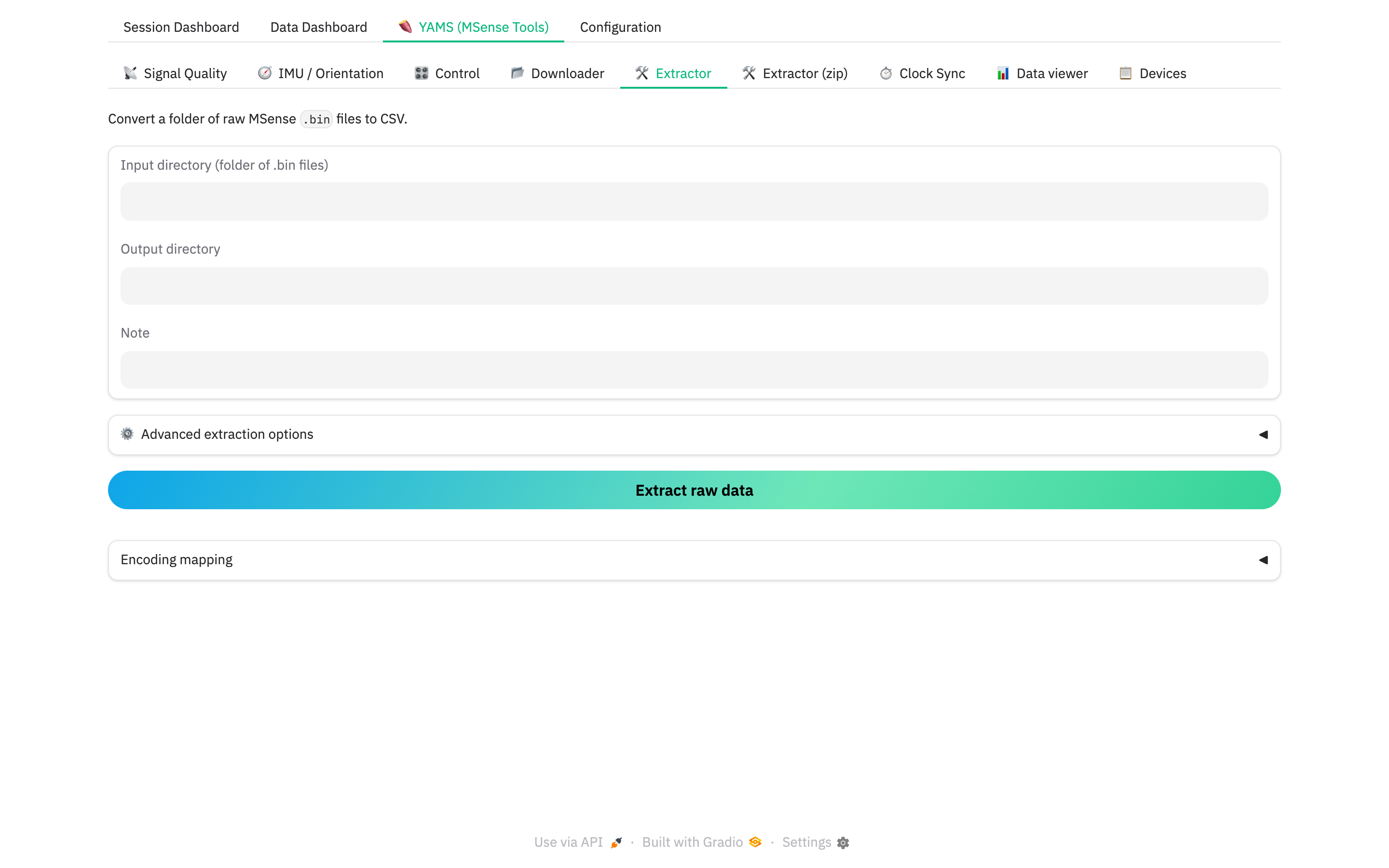
Convert raw .bin to CSV without downloading:
- Extractor — point at an input folder of
.binfiles and an output folder. - Extractor (zip) — drop a downloaded
…_msense.zip, get back…_extracted.zip.
⚙️ Advanced extraction options (shared): record-format overrides (leave on
auto), save format (csv / pickle), uuid.txt cross-check, strict validation.
Only touch these if extraction complains.
⏱️ Clock Sync — offline
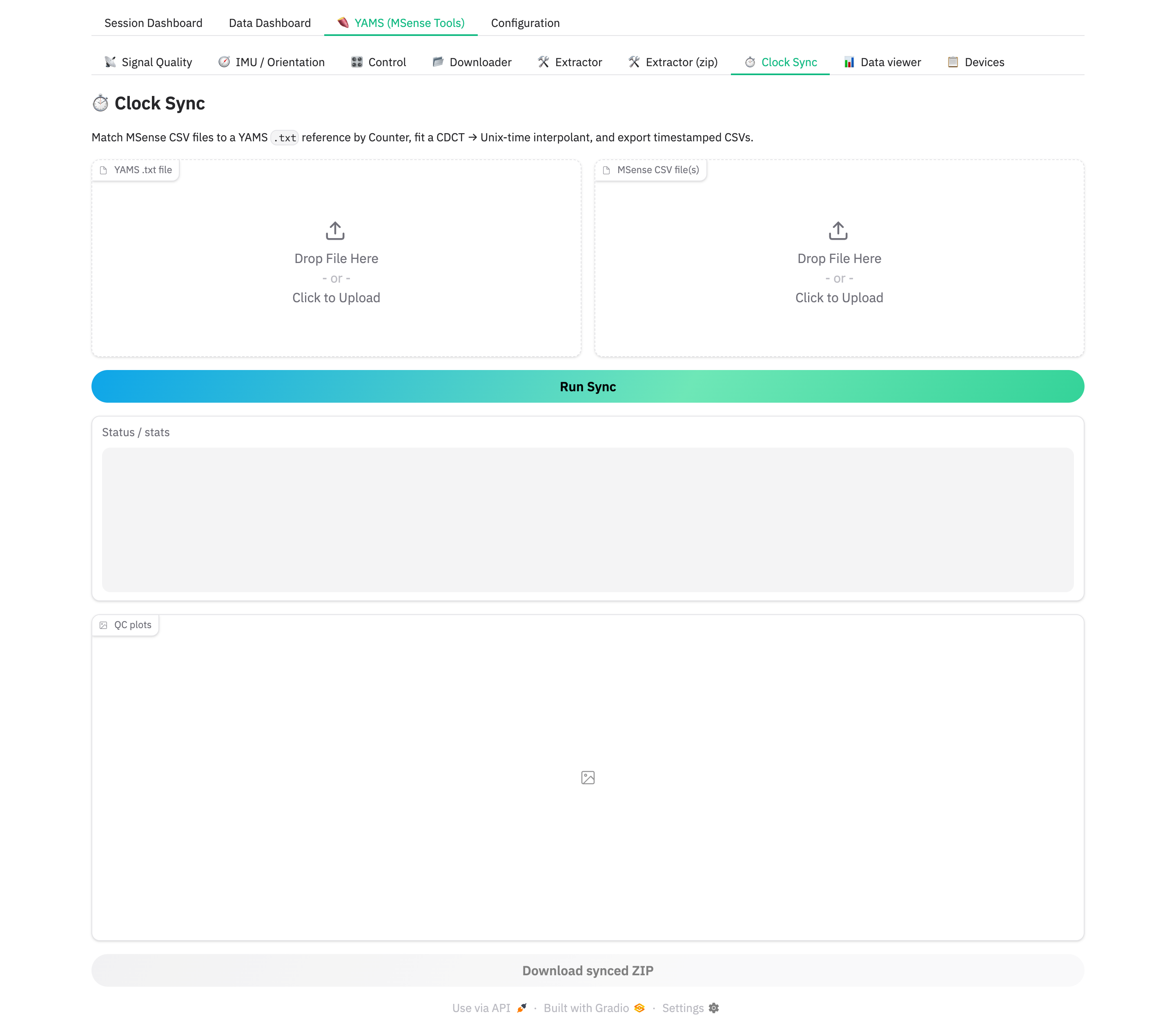
Match MSense CSVs to a YAMS .txt reference by sample counter, fit a
counter → Unix-time interpolant, and export timestamped CSVs. Upload the
YAMS .txt file and the MSense CSV file(s), press Run Sync, download
the synced ZIP. QC plots show the fit.
📊 Data viewer — offline
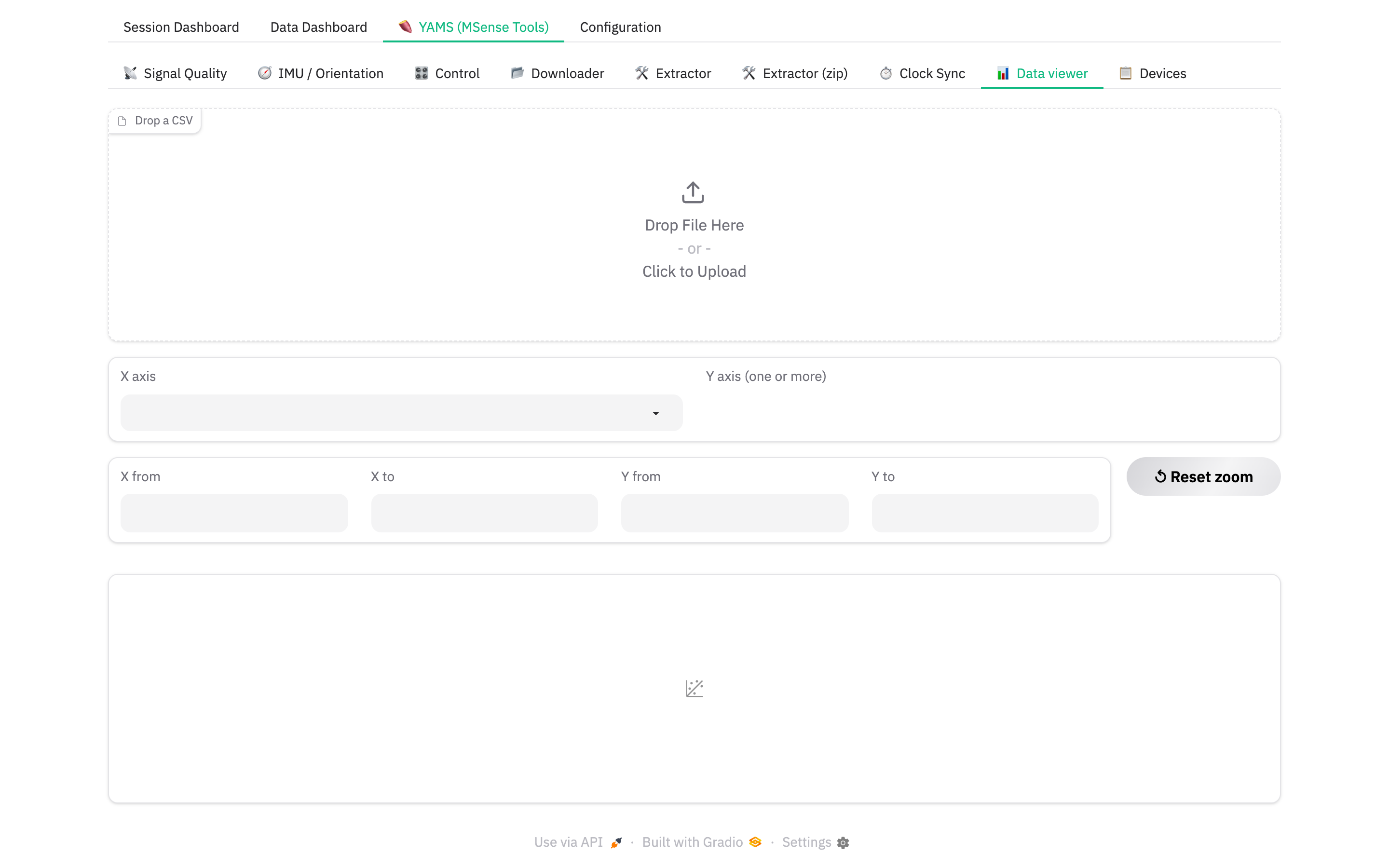
Drop an extracted CSV, pick X axis (defaults to CDCT if present) and one
or more Y axis columns, get an interactive line chart. Numeric range boxes
and ↺ Reset zoom control the view.
📋 Devices — offline
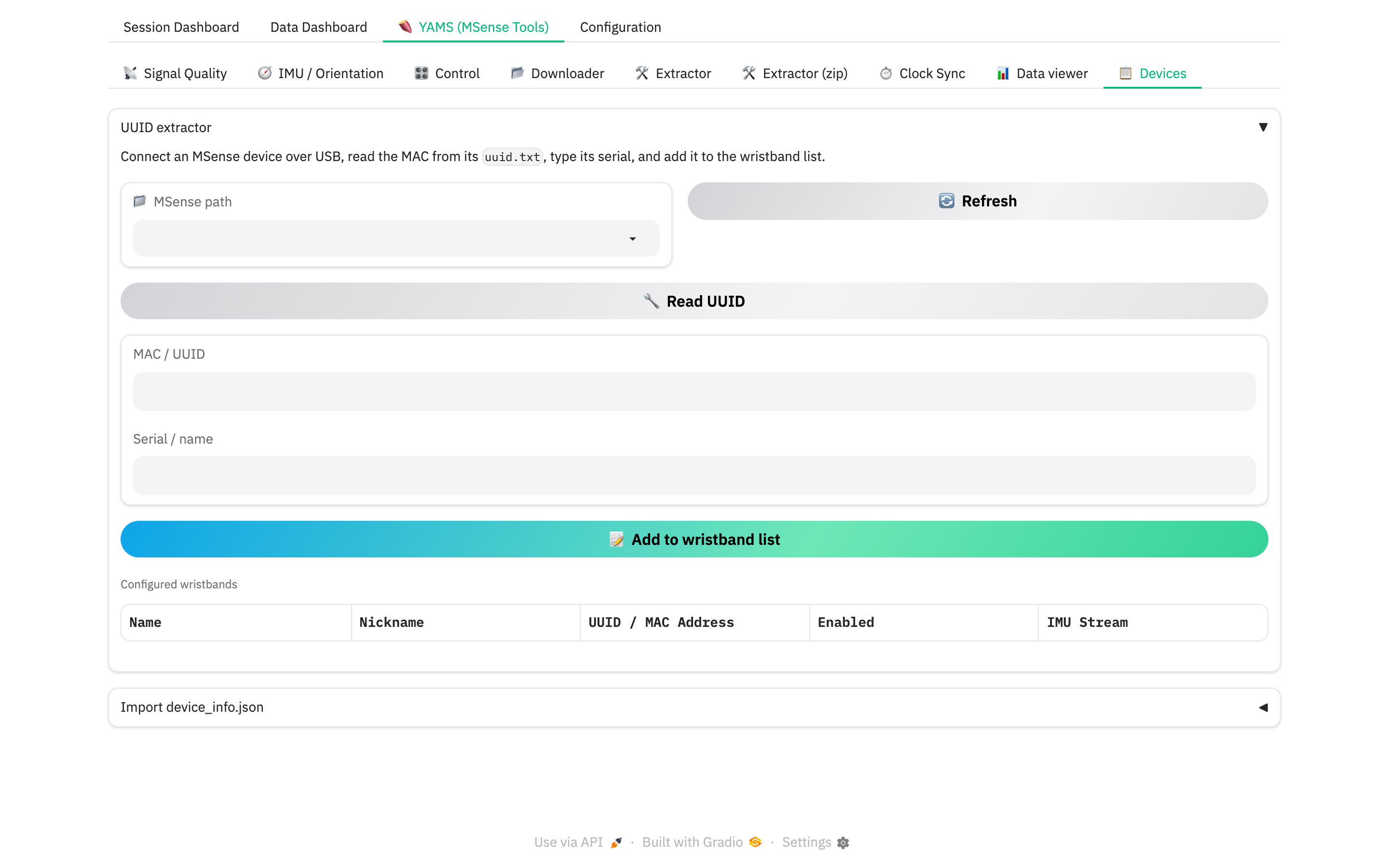
Pair wristbands from a USB-mounted drive — see Pair MSense wristbands.
Next: The memo engine.