Signal-quality checks
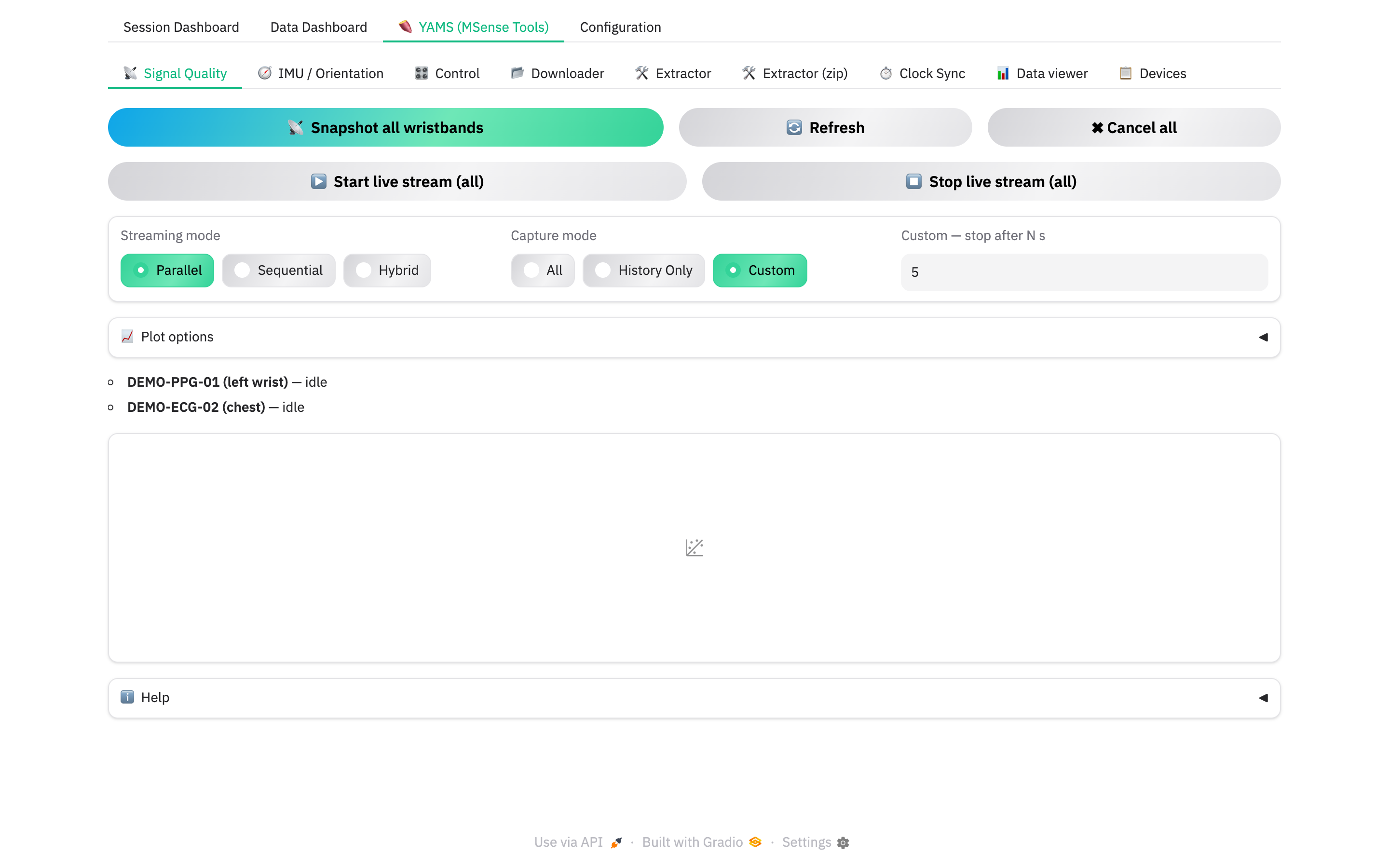
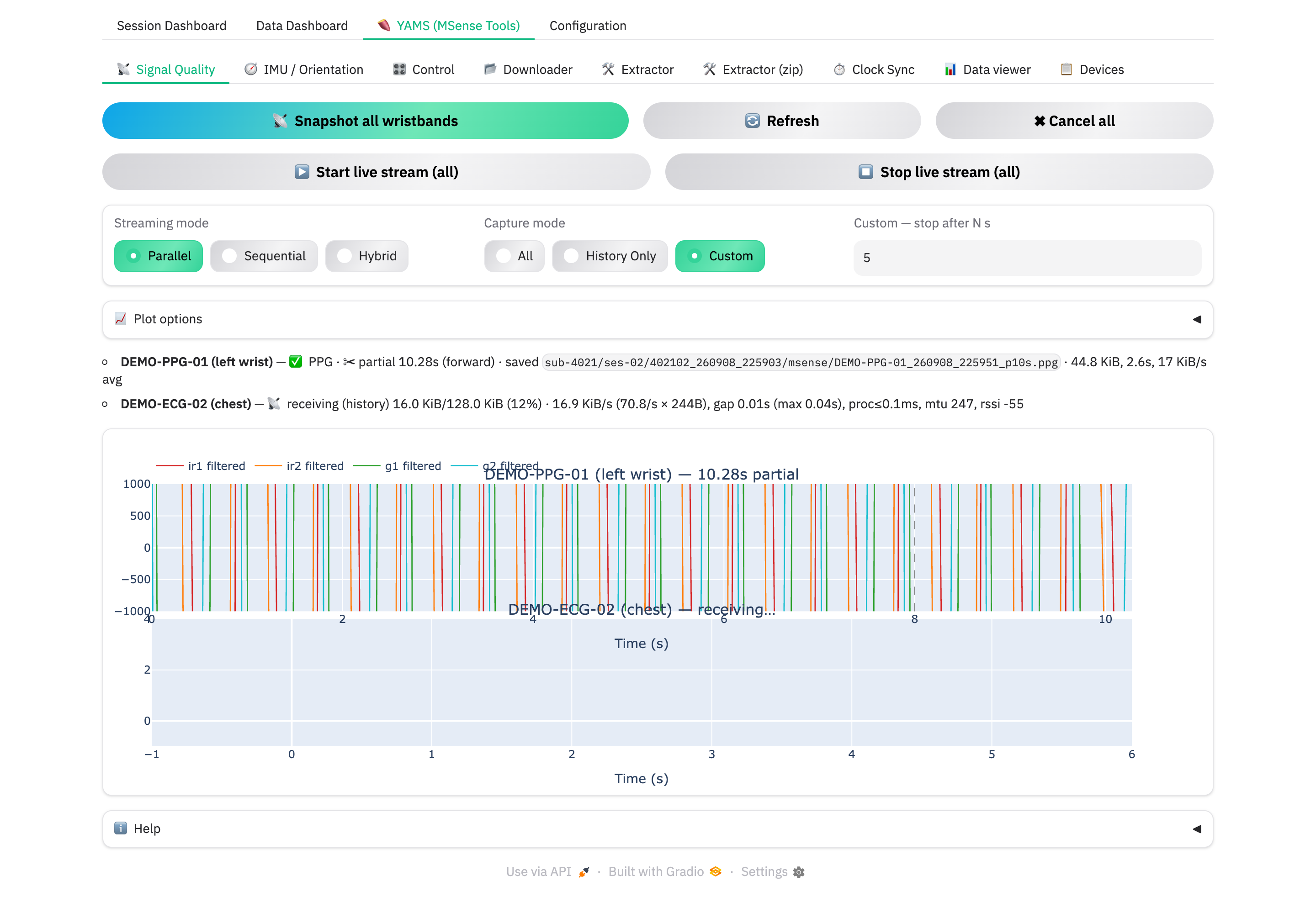
YAMS → 📡 Signal Quality pulls a raw ECG/PPG snapshot from every connected wristband so you can see electrode / optical contact before you trust a recording. Initialize the MSense device on the Session Dashboard first, then open this tab.
Snapshot vs live stream
- 📡 Snapshot all wristbands — a fixed-length capture (128 KiB per wristband:
~21 s of ECG or ~8 s of PPG of pre-buffered history, then a forward window
it acquires live). Saved to disk — the session folder if a recording is
running, otherwise
<home>/data/sqc_snapshots/. - ▶️ Start live stream (all) — a continuous stream into a rolling in-memory
plot, for a longer contact check. Not saved to disk or the
.xdf. - ✖ Cancel all / ⏹️ Stop live stream (all) — stop whatever is running.
Capture mode
| Mode | Stops when… | Use for |
|---|---|---|
| All | the full 128 KiB is through | a complete reference snapshot |
| History Only | the pre-buffered history window is through | a fast check — no waiting for live acquisition |
| Custom | N seconds of forward data have arrived | "give me 5 s of live signal and stop" |
Custom — stop after N s is only editable when Capture mode is Custom.
Streaming mode
How the wristbands share the single BLE radio:
| Mode | Behaviour |
|---|---|
| Sequential | one wristband finishes completely before the next starts — safest, slowest |
| Parallel | all at once — fastest wall-clock, more likely to stall |
| Hybrid | pipelined — the next wristband starts once the previous drops out of its heavy history burst |
Reading the status line
Each wristband shows a live line while a snapshot runs:
| You see | Meaning |
|---|---|
📡 receiving (forward) 95.2 KiB/128.0 KiB (74%) + transfer stats |
healthy, in progress |
💾 finalizing… |
decoding and saving |
✅ ECG/PPG … saved \ |
done — the file is on disk |
✂ partial Ns |
Custom / History Only cut it short on purpose |
🚫 rejected: <reason> |
the wristband refused (e.g. BUSY, NOT_RECORDING) |
❌ <reason> / ❌ stalled … |
the transfer failed — see Abnormal handling |
Plot options
- PPG channels show — Raw / Filtered / Both.
- Filtered Y-axis min / max — fix the scale so successive snapshots compare.
- Show history/forward boundary — a dashed line where the pre-buffered history gives way to live-acquired data.
Headless
A snapshot can be triggered and its outcome read from the API — see Headless control & API.
Next: MSense tools (YAMS).